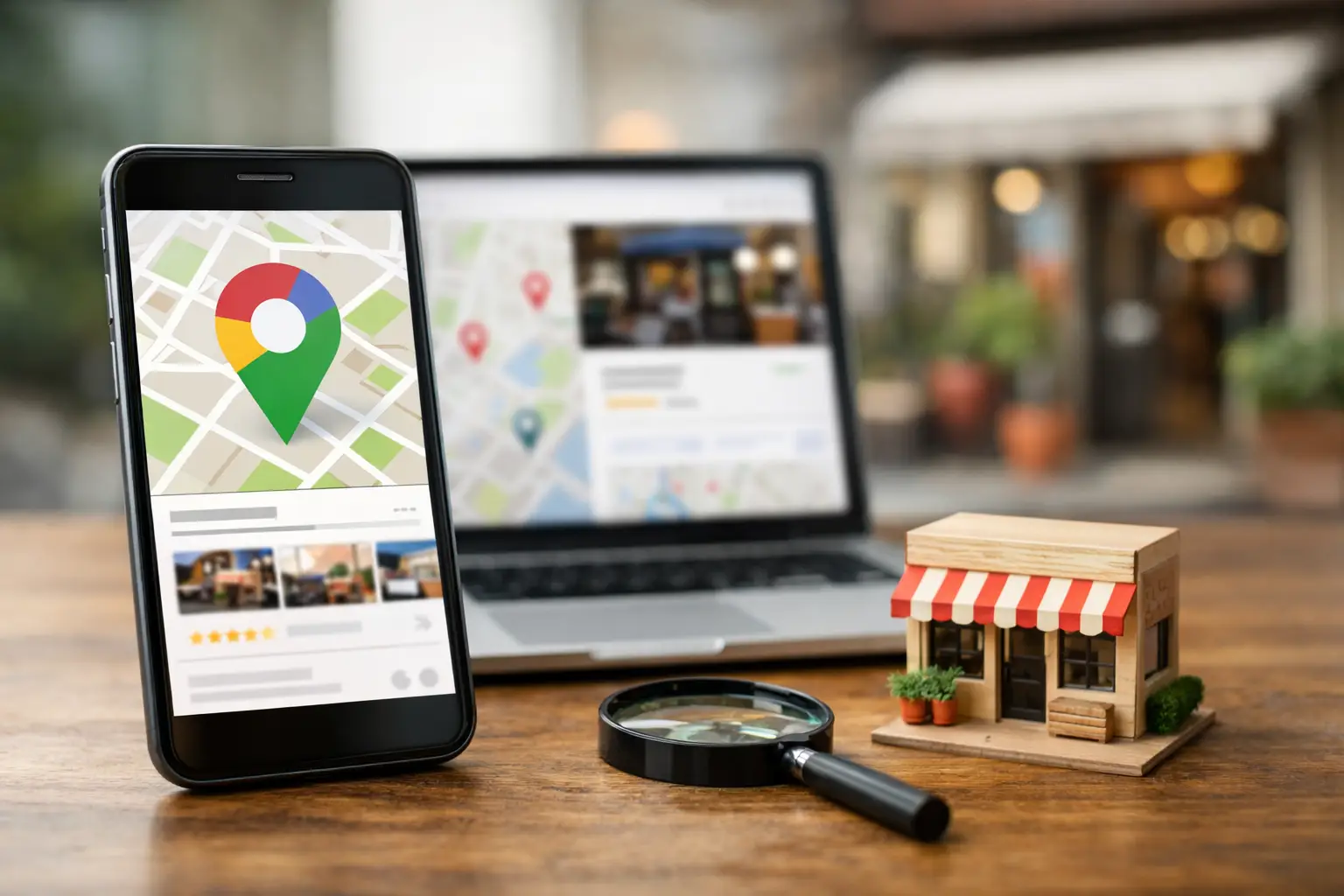
A customer in Nanaimo needs a plumber, a dentist, a place for lunch, or a contractor. They usually do not begin by comparing every business website in town. They search Google, look at the map results, check reviews, confirm hours, and make a call. Your Google Business Profile is what puts your business in that decision-making moment.
For a local business, this free Google listing is not a minor marketing task. It is a working part of your sales process. A complete, accurate profile helps people find you, understand what you do, and feel comfortable contacting you. A neglected one can send them to a competitor before they ever see your website.
What a Google Business Profile does for your business
Your Google Business Profile is the information panel that can appear in Google Search and Google Maps when someone searches for your business or a service you provide nearby. It can display your phone number, website, address or service area, business hours, customer reviews, photos, services, and more.
That information affects real customer behavior. If your hours are wrong, someone may arrive when you are closed. If your phone number is missing, they may call another company instead. If your profile has no recent photos or reviews, a newer competitor can appear like the safer choice, even if your business has years more experience.
The profile also supports local visibility. Google uses several signals to decide which businesses are useful for a local search, including relevance, distance, and prominence. You cannot control every factor, especially distance. You can control whether Google clearly understands your business, its location or service area, and the services it offers.
A polished website and a well-managed profile work together. Your website gives customers the depth they need before hiring or buying. Your profile helps get you into the short list in the first place.
Start with accurate business information
The first job is not clever marketing. It is accuracy. Claim and verify the profile for your business, then make sure every core detail matches how you operate in the real world.
Use your real business name, not a version packed with search phrases. Adding extra terms such as “best roofing company Nanaimo” to a business name may look tempting, but it can create trust issues and conflict with Google’s guidelines. Use the name customers see on your signage, invoices, and website.
Choose the most specific primary category available. This is one of the clearest ways to tell Google what your business is. A heating contractor, for example, should not stop at a broad home services category if a more precise option fits. Additional categories can help, but only when they reflect genuine services. Selecting every loosely related category can make the profile less clear rather than more competitive.
Your address and service area deserve special care. A storefront, clinic, restaurant, or office where customers visit should show its correct street address. A mobile business that travels to customers may use service areas instead. Do not create a false address or list a location where you do not maintain a legitimate customer-facing presence.
Set normal hours and special holiday hours. This simple step is often missed, and it matters most when customers are ready to act. If you take calls after office hours, explain that in your business description or services instead of publishing misleading open hours.
Write for customers before search engines
Your business description should tell a potential customer what you do, who you serve, and why they should consider you. It is not the place to repeat a city name ten times or paste in a list of keywords.
A good description is specific. A Vancouver Island electrician might explain that they handle residential panel upgrades, lighting, and troubleshooting. A local retailer might identify the products they carry, whether pickup is available, and what makes their selection useful. A professional practice might explain its areas of service and the kind of appointment a new client can expect.
Use clear service entries as well. Think about the words customers use when they have a problem to solve. They may search for “WordPress maintenance,” “website design,” “emergency repair,” or “online store setup,” not the internal name you use for a service package. Add services that are actually available, with short plain-language descriptions where helpful.
The goal is relevance, not repetition. Google needs context, but customers need clarity.
Use photos to remove uncertainty
Photos can answer questions before a customer asks them. For a restaurant, that may mean the dining room, menu items, and entrance. For a contractor, it may mean completed work, branded vehicles, and the team on site. For a professional office, it may mean the reception area, staff, and parking or building access.
Use real, current images whenever possible. Stock photography can make a profile look polished, but it rarely proves what your business is like. Customers are trying to judge whether you are established, approachable, and capable. Authentic photos do more of that work.
Add new photos periodically rather than treating them as a one-time upload. This does not mean posting for the sake of posting. Seasonal work, newly completed projects, team additions, updated displays, and new products all give you legitimate reasons to refresh the profile.
Be mindful of privacy. Get permission before featuring customers, employees, or private residential projects in recognizable detail. For trades and service companies, before-and-after photos can be powerful, but only if they protect the customer’s personal information.
Build a review process you can maintain
Reviews influence trust quickly. A customer may not read every review, but they will notice the overall rating, the number of reviews, how recent they are, and whether the business responds professionally.
The most reliable approach is to ask satisfied customers shortly after a completed purchase, visit, or project. Make the request personal and easy. A short follow-up message from the business owner or team member who handled the work is often more effective than an automated request sent weeks later.
Never offer rewards in exchange for reviews, pressure customers for a five-star rating, or ask only a hand-picked group to leave feedback. Those tactics can damage credibility and may violate platform rules. You want honest feedback that reflects the experience you consistently provide.
Respond to reviews in a calm, human way. Thank customers for positive feedback, and mention a detail when appropriate so the response does not feel copied and pasted. For a negative review, avoid arguing publicly. Acknowledge the concern, clarify only necessary facts, and invite the person to continue the conversation directly.
A thoughtful response is not just for the reviewer. It is for the next customer reading the exchange and deciding whether your business handles problems responsibly.
Keep the profile connected to your website
Your profile should point customers to the most useful page on your website. For many businesses, that is the homepage. For others, a location page, appointment page, or specific service page may make more sense. The right choice depends on what the customer is trying to do next.
Make sure your website supports the promises made in the profile. If the profile says you offer e-commerce, the shopping experience should work properly on a phone. If it promotes a service, customers should be able to quickly understand that service, see how to contact you, and confirm the areas you serve.
Consistency matters here. Your business name, phone number, hours, and address should be correct on both properties. When information conflicts, customers lose confidence and search engines have a harder time confirming which details are accurate.
For businesses that serve Nanaimo and surrounding communities, it can be useful to create clear website content around the locations you genuinely serve. The key word is genuinely. A list of communities is helpful when you have the capacity to serve them well. It is not a substitute for a useful local presence or a quality customer experience.
Make profile maintenance part of regular operations
A Google Business Profile is not something to set up and forget. Assign responsibility to one person, or make it part of your marketing and website support routine. Check it monthly and whenever something changes in the business.
Review your hours, phone number, website destination, services, photos, and recent customer questions. Watch for suggested edits from the public. Some are useful, but others can be inaccurate. Monitoring the profile gives you a chance to correct problems before they cost you calls or visits.
Google may also introduce new profile features or change how existing ones appear. You do not need to chase every option. Prioritize the details that reduce friction for customers: accurate information, strong reviews, helpful photos, clear services, and a working website.
At Coastal Webmasters, we see local visibility as part of a larger digital foundation. A well-built website, ongoing technical maintenance, and an accurate local profile give customers fewer reasons to hesitate. If your listing is incomplete, outdated, or disconnected from your website, fixing it can be one of the most practical steps you take this month. Reach out today, and let’s make sure the people searching for your services can confidently choose your business.