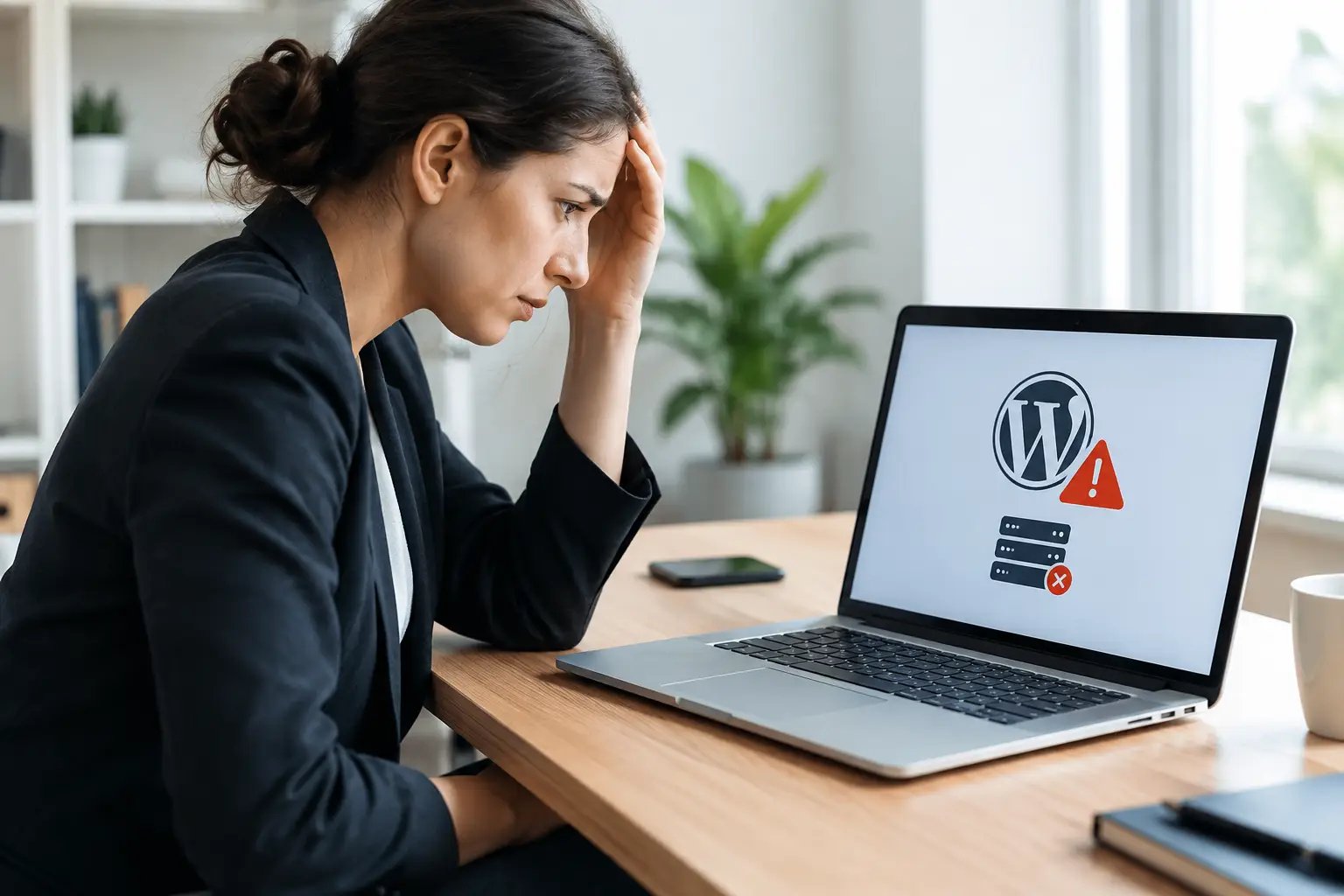
A customer searches for your business, clicks your Google listing, and sees an error page instead of your services, products, or contact information. That is the real cost behind the question, what causes WordPress downtime? A website outage can mean missed calls, abandoned carts, lost bookings, and a less professional first impression at exactly the wrong moment.
For a small business, downtime is rarely caused by one dramatic event. More often, it is the result of a few manageable issues that were allowed to build up: overdue updates, an unreliable hosting plan, a plugin conflict, or an unnoticed security problem. The good news is that most WordPress downtime is preventable with steady technical care.
What Causes WordPress Downtime Most Often?
WordPress is a flexible platform, which is one reason it powers so many business websites. That flexibility also means your website relies on several moving parts working together: hosting, WordPress core files, a theme, plugins, databases, security tools, and outside services such as payment gateways or email forms.
When one part fails, the site may slow down, display errors, or stop loading altogether. The cause is not always obvious from the front end, so guessing can make a temporary issue worse. Here are the problems we see most often.
Hosting problems and server outages
Your hosting server is where your website files and database live. If that server goes down, runs out of resources, has a configuration error, or experiences network trouble, your site may be unavailable even if nothing has changed in WordPress itself.
Low-cost shared hosting can be a practical starting point for a simple brochure site, but it has trade-offs. Your site shares server resources with other websites. A sudden traffic spike, poor server management, or a resource-heavy neighboring site can affect performance. For an online store, a busy service business, or any site that generates regular leads, dependable hosting and appropriate server capacity are part of protecting revenue.
Plugin conflicts and failed updates
Plugins add useful functions such as forms, booking tools, security scanning, ecommerce features, and search optimization. But each plugin is another piece of software that must remain compatible with WordPress, your theme, and other plugins.
A conflict can appear after a WordPress core update, a plugin update, or a theme change. Sometimes it causes a visible error. Other times, the admin area becomes inaccessible, a checkout page fails, or the site shows the familiar critical error message.
This does not mean updates are unsafe or should be ignored. Delaying them indefinitely creates larger security and compatibility risks. The safer approach is to maintain a current backup, test important updates carefully, and know how to roll back if a change causes trouble.
Theme and custom code issues
A theme controls much of your website’s appearance and can also influence its performance. Outdated themes, poorly coded templates, or edits made directly to theme files can create problems after an update.
Custom code deserves special attention. A small change to a functions file, a tracking script, or a snippet added to fix a display issue can bring down a page or the entire site if there is a syntax error. Businesses often discover this after making a quick change before a promotion, seasonal campaign, or product launch.
A professional maintenance process documents custom work and keeps changes isolated where possible. That makes future updates less risky and makes troubleshooting much faster.
Malware, hacking, and malicious traffic
Outdated WordPress installations are common targets for automated attacks. Hackers do not need to know your business personally. Bots scan the web for known weaknesses in old plugins, themes, weak passwords, and unprotected login pages.
Malware can slow a site down, redirect visitors, alter files, send spam, or trigger a hosting suspension. In some cases, a hosting provider takes a compromised website offline to protect other accounts on the server. That can feel sudden to the business owner, but the warning signs may have been present for weeks.
Security protection should include more than a single plugin. Strong administrator passwords, limited user access, regular updates, backups, monitoring, and a web application firewall all reduce exposure. The right setup depends on the complexity of the website, but doing nothing is not a low-risk option.
Traffic spikes and resource limits
More visitors are usually good news, but a website that is not prepared for demand can struggle under a traffic spike. This can happen when a social media post takes off, a local campaign runs, a product is featured, or seasonal demand sends more people to your site at once.
The same issue can occur without a genuine traffic increase. Search engine bots, spam bots, and aggressive automated requests can consume server resources. If pages are not cached well, images are oversized, or ecommerce processes are inefficient, the server has to work harder for every visitor.
Performance work helps prevent this kind of downtime. Image optimization, page caching, database cleanup, reliable hosting, and sensible plugin choices all lower the load on your site. An ecommerce store may also need closer monitoring during sales, events, and high-demand periods.
Database failures and storage problems
WordPress stores content, settings, customer information, form entries, and more in a database. If that database is corrupted, overloaded, disconnected, or out of storage space, the website may display a database connection error or fail to load key functions.
Backups matter here, but only if they are recent, complete, and restorable. A backup sitting quietly in the same hosting account is not enough protection if that account is compromised or suffers a serious failure. Good backup practices keep copies in a separate location and periodically confirm that restoration will work.
Third-party services that stop working
Not every outage means the whole site is down. Sometimes the pages load, but an essential customer function fails because a third-party service has a problem. Payment processors, appointment booking systems, email delivery tools, map embeds, DNS providers, and content delivery services can all affect how your website operates.
For example, an online store may look normal while its payment gateway is unavailable. A contact form may appear to send successfully while email delivery has failed in the background. From a customer’s perspective, these are still outages because they cannot complete the action that matters.
Warning Signs Your WordPress Site Is at Risk
Downtime often has early symptoms. A site that takes noticeably longer to load, repeated error notices in the dashboard, failed backups, unexplained administrator accounts, or customer reports of broken forms all deserve attention.
You should also investigate if your hosting provider sends resource-limit notices, security alerts, or warnings about outdated software. These messages are easy to postpone when you are managing staff, customers, and day-to-day operations. However, they are often the least expensive moment to fix a problem.
A few checks can catch issues before customers do:
- Test your main pages, contact forms, and checkout process regularly.
- Keep WordPress core, themes, and plugins updated on a planned schedule.
- Review backups and confirm they can be restored when needed.
- Monitor uptime so you know about an outage quickly.
- Remove unused plugins, themes, and old user accounts.
How to Reduce WordPress Downtime
The goal is not to make your site invincible. Every website depends on technology, and occasional service interruptions can happen. The goal is to reduce the chance of an outage, spot issues early, and restore service quickly if something does go wrong.
Start with a maintenance routine that fits your site. A simple local service website may need routine updates, security checks, backups, and performance reviews. An ecommerce website with inventory, customer accounts, and online payments needs more frequent checks and a more cautious approach to updates.
Before major changes, take a verified backup. Update software in a sensible order and test the important customer paths afterward: viewing services, submitting a form, booking an appointment, adding a product to a cart, and completing payment. If a change causes a problem, restore or roll back promptly rather than leaving customers to encounter an error.
It also helps to have clear ownership. When no one is responsible for maintenance, everyone assumes someone else is handling it. At Coastal Webmasters, we provide ongoing WordPress support designed to give business owners a reliable point of contact when updates, security, backups, or troubleshooting need attention.
What to Do When Your Site Goes Down
First, confirm the issue from another device or connection. A browser cache or local network issue can sometimes look like site downtime. If the problem is real, avoid making several changes at once. Record the error message, check whether the hosting account is active, and identify whether the entire site or only a specific feature is affected.
Next, check recent changes. Did WordPress, a plugin, a theme, or a server setting update shortly before the outage? Did someone edit code, change DNS settings, install a new tool, or launch a promotion? That timeline is often the fastest route to the cause.
If your business relies on online leads or sales, speed matters. A qualified WordPress support provider can review server logs, disable a conflicting plugin safely, restore a clean backup, and check for security issues without creating more disruption. The right fix depends on the cause, which is why a rushed guess is rarely the best response.
Your website should support the work you do, not become another urgent task on a busy day. Regular care keeps small technical issues from becoming customer-facing problems, so you can stay focused on serving the people who are looking for your business.