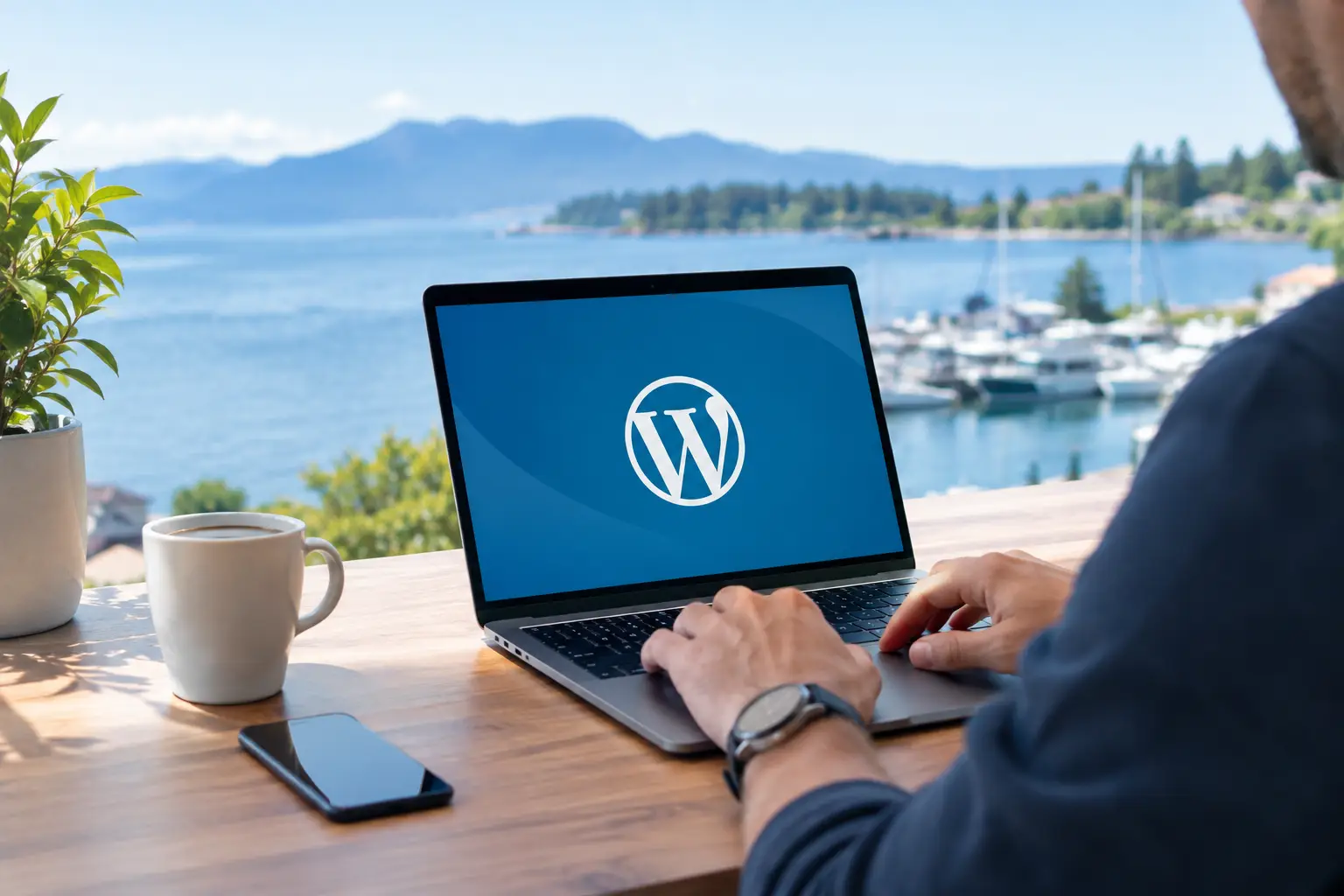
A website problem rarely arrives at a convenient time. It may be a broken contact form on a Monday morning, a checkout error during a promotion, or a security warning that makes customers hesitate. Nanaimo WordPress support services give local businesses a practical way to keep their websites working without turning owners and staff into part-time web technicians.
For a small business, WordPress maintenance is not just an IT task. It protects the credibility you have built with customers, supports your visibility in Google, and helps ensure a prospective customer can call, book, buy, or request a quote when they are ready. The right support plan handles the work in the background while giving you a real person to contact when something needs attention.
What Should WordPress Support Do for Your Business?
Your website is made up of moving parts: WordPress core files, a theme, plugins, web hosting, forms, payment tools, and sometimes third-party systems such as booking software or email marketing platforms. Each part needs occasional attention. When updates are ignored, the result can be more than an outdated dashboard. A website may slow down, display errors, become vulnerable to attacks, or stop working properly on mobile devices.
Reliable support focuses on preventing those problems before they disrupt your business. It also provides a clear response when something unexpected happens. That combination matters more than simply installing updates once in a while.
At a minimum, a professional WordPress support service should include regular software updates, monitored backups, security checks, plugin and theme compatibility testing, and performance reviews. Depending on the site, it may also include small content changes, help with email forms, e-commerce troubleshooting, or assistance with a hosting issue.
The details should match the way your business uses its site. A brochure website for a local trades company has different risks than an online store processing customer payments. A medical or professional practice may place greater value on form reliability and reputation protection, while a retailer may need quick attention if a product page or checkout process fails.
Why Updates Need More Than an Update Button
Could a business owner log in and click “update” themselves? Often, yes. But that does not mean it is the best use of their time or the safest approach.
WordPress updates can affect how plugins work together. A new version of a page builder might conflict with a contact form. A payment plugin update may require testing before customers use it. A theme update can change styling or overwrite custom adjustments. In many cases, the update itself is not the issue. The issue is having no process to check the site afterward or restore it quickly if something goes wrong.
This is why managed support matters. Updates should be completed carefully, with backups available and key website functions checked afterward. That includes loading important pages, testing forms, reviewing mobile layouts, and, for e-commerce websites, checking the cart and checkout process.
There is a trade-off. Updating every plugin the moment a new version appears is not always wise, especially for a complex site. Waiting too long creates security and compatibility risks. The right approach is measured: assess the update, back up the website, apply it appropriately, then verify that the site still performs as expected.
Security Is a Business Protection Issue
A hacked website can be costly even when no customer data is exposed. Search engines may flag the site as unsafe. Visitors may see unwanted advertisements or suspicious redirects. Your email reputation can suffer if the website is used to send spam. Cleaning up an infected site after the fact is usually more time-consuming than maintaining basic protections all year.
Good WordPress support reduces that exposure through ongoing maintenance. That can include keeping software current, monitoring for suspicious activity, strengthening login security, scanning for malware, and maintaining recoverable backups. No provider can honestly promise that a website will never be targeted. The goal is to reduce the chance of a successful attack and make recovery far less disruptive if a problem occurs.
Backups deserve special attention. A backup is only valuable if it is recent, stored safely, and can be restored when needed. Businesses sometimes assume their hosting company has every backup requirement covered. Some hosts do provide strong backup systems, while others offer limited retention or restoration options. It is worth confirming exactly what is protected and how quickly a clean version of the site can be recovered.
Nanaimo WordPress Support Services Should Be Local and Responsive
When your website stops generating leads or accepting orders, a generic support ticket can feel like a dead end. Local support does not mean every issue can be fixed instantly, but it does mean you have a knowledgeable partner who understands the value of timely communication and can explain what is happening in plain language.
For businesses in Nanaimo and across Vancouver Island, that personal accountability is often the difference. You should not have to decipher technical replies, chase several vendors, or wonder who is responsible for a website issue. A dependable support provider identifies the problem, explains the practical impact, and recommends the next step.
At Coastal Webmasters, we approach maintenance with that responsibility in mind. We look after the technical details that help keep websites protected and dependable, while keeping business owners informed without burying them in jargon.
Local support is especially useful when your website connects to the rest of your marketing. If traffic drops, the cause may involve more than WordPress. It could be a technical SEO issue, an expired domain setting, a broken tracking tool, slow hosting, or a change made to a key page. A web partner who understands design, SEO, e-commerce, and maintenance can look at the full picture instead of treating each symptom in isolation.
Performance Affects Customers Before They Contact You
How long will a visitor wait for a page to load? Usually, not long. A slow site can quietly cost leads because potential customers leave before they see your services, menu, inventory, or contact details. It can also make a business appear less established, even when the company provides excellent work offline.
WordPress performance support looks at the causes of slowdowns. Large, unoptimized images are common. So are outdated plugins, excessive scripts, poor-quality hosting, and unnecessary features added over time. The right fix depends on the website. Removing a plugin may help one site, while another may need image optimization, caching adjustments, or a hosting review.
Performance improvements should not come at the expense of essential functions. For example, aggressive caching may create problems for an online store if product inventory or cart details do not update correctly. This is another reason ongoing support is better than one-size-fits-all advice. Your website needs to be fast, but it also needs to work correctly for your customers.
When Is a Maintenance Plan Worth It?
A maintenance plan makes sense when your website matters to your daily operations. If it generates quote requests, supports local search visibility, displays current services, collects inquiries, or sells products, downtime has a business cost.
It is also worthwhile if no one in your organization is comfortable managing updates, backups, or security issues. Many small businesses started with a website built years ago and have no clear record of its logins, plugins, hosting setup, or backup status. That uncertainty is common, and it can be resolved with an initial review.
Not every website needs the same level of care. A simple informational site may only need regular maintenance and periodic content updates. A busy e-commerce store, membership site, or website with booking functions may need more frequent monitoring and faster response times. The best plan is one that reflects your actual risk, not one packed with services you will never use.
Questions to Ask Before Choosing Support
Before you trust someone with your website, ask how updates are handled and whether backups are tested. Ask what happens if a plugin conflict or security issue appears. Find out whether support includes checking forms, mobile pages, and e-commerce functions after maintenance.
You should also ask who owns the core accounts. Your business should retain access to its domain, hosting, WordPress administrator account, and key third-party services. A good provider makes website management easier, not harder to understand or impossible to transfer later.
Finally, look for clear communication. Technical work has value, but you deserve to know what is being maintained, what needs attention, and what options are available when a larger issue appears.
A well-maintained WordPress website gives your business room to focus on customers, employees, and growth. If your site has not been reviewed recently, reach out today for a practical conversation about what it needs to stay dependable.