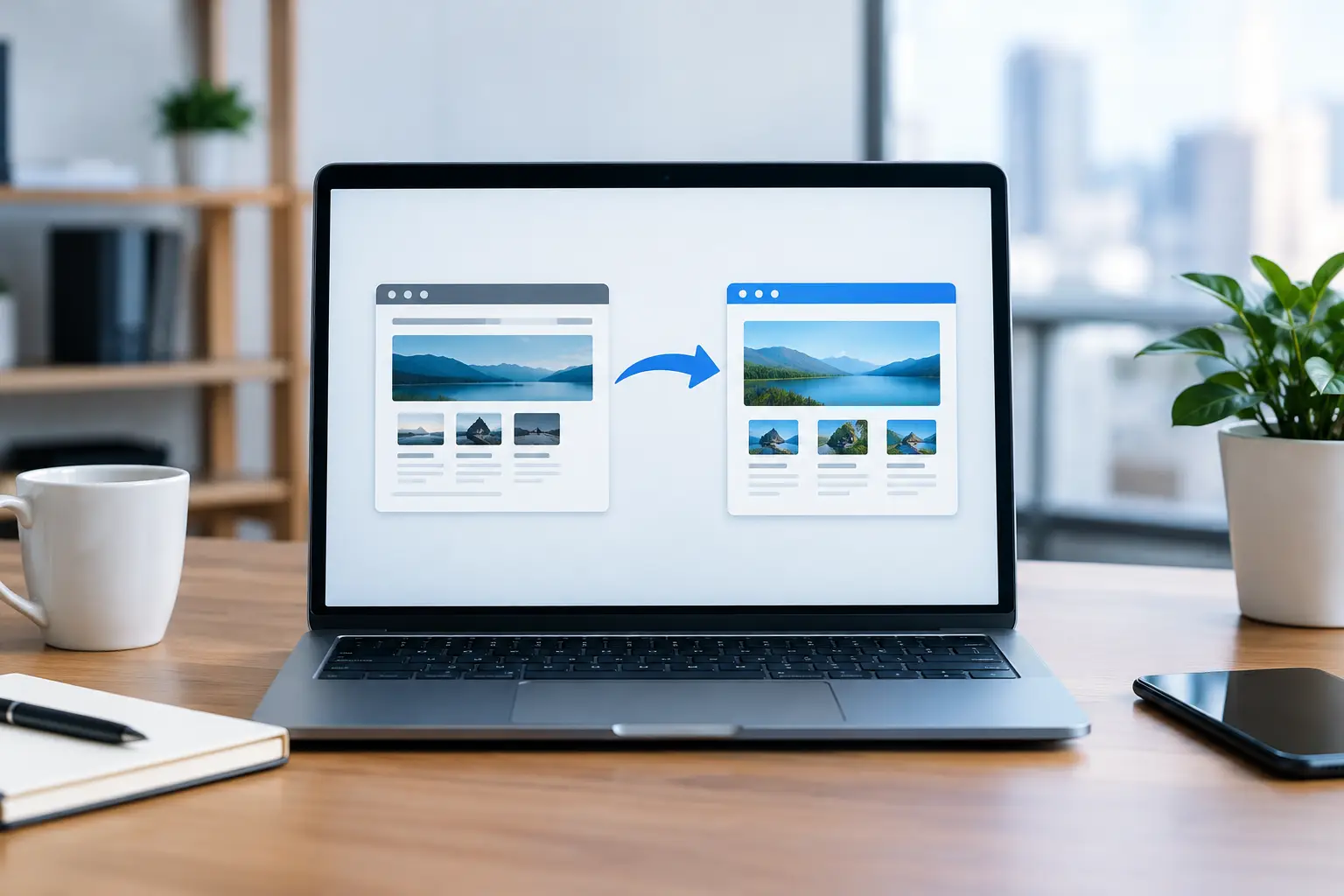
A new website should create more opportunities for your business, not erase the ones you have already earned. A website migration can affect search rankings, contact forms, online orders, email delivery, and the pages customers rely on to find you. The risk is manageable, but only when the move is planned as a business project rather than treated as a simple design launch.
For a local service business, retailer, or professional practice, even a short period of missing inquiries can be costly. For an e-commerce store, a broken checkout or missing product page can stop revenue immediately. The goal is not merely to move a website to a new platform or host. It is to protect the visibility, functionality, and trust your current site has built while making the new site better.
What Counts as a Website Migration?
A website migration is any significant change that affects how a website is built, hosted, structured, or found online. It may involve moving to a new hosting company, changing domains, rebuilding an outdated WordPress site, switching from one e-commerce platform to another, or reorganizing page URLs during a redesign.
Some migrations are relatively contained. Moving a well-maintained WordPress website to a new server while keeping the same domain and URLs has fewer moving parts than replacing an old site with a new platform, new navigation, and new page structure. Still, both deserve a careful process.
The common mistake is assuming that a redesigned site will automatically inherit everything from the old one. Search engines do not see the intention behind a new website. They see pages, URLs, content, links, and technical signals. Customers are equally practical. If the page they bookmarked now shows an error, they may simply choose another business.
Start With Business-Critical Pages and Features
Before anyone changes hosting, installs a new theme, or points a domain to a new server, identify what must be protected. This is not just a technical inventory. It is a list of assets that support leads, sales, and customer service.
Start with the pages that bring in organic traffic or inquiries. These might include service pages, location pages, product categories, popular blog articles, quote request pages, and contact information. If a page ranks well for a valuable search term, it should not disappear simply because the new navigation looks cleaner.
Next, document the site features your business depends on. That can include contact forms, appointment scheduling, online payments, product variations, shipping rules, user accounts, newsletter signups, analytics tracking, call tracking, and confirmation emails. A form that appears to work but never delivers an email is still a broken form.
For many Vancouver Island businesses, this stage also reveals old content that needs attention. An outdated service area, former staff member, discontinued product, or old phone number should not be carried into the new site by accident. Migration is an opportunity to clean up what no longer serves the business, provided valuable pages are redirected correctly.
Protect Search Visibility Before the New Site Launches
Search engine optimization is often where poorly planned migrations cause the most lasting damage. A new site may be faster and more attractive, yet lose visibility because its important pages were removed, renamed without redirects, or stripped of useful content.
Keep Valuable URLs Where Possible
The simplest path is often to keep successful URLs unchanged. If your service page has been established for years and continues to bring in traffic, there may be no business reason to rename it. Preserving the address reduces risk and gives customers a consistent path back to your site.
When a URL must change, use a permanent 301 redirect from the old page to the most relevant new page. Redirecting every removed page to the home page is rarely helpful. Someone looking for a specific roofing service, legal service, or product category should land on the closest matching destination, not be asked to start over.
A redirect map should be prepared before launch. It records each important old URL and its new destination. This is especially valuable when a site has grown over several years, since older pages can continue receiving traffic from Google, local directories, social posts, and other websites.
Preserve Useful Content, Not Just Keywords
A redesign can accidentally reduce rankings when it turns detailed service pages into short promotional copy. Good design matters, but so does the information customers and search engines use to understand what you offer.
Keep the substance that makes important pages useful: clear services, areas served when relevant, process details, qualifications, product information, answers to common questions, and direct calls to action. Improve the writing and layout, but do not remove every useful paragraph in the name of a minimal design.
Carry Tracking and Search Tools Forward
Your analytics and search monitoring tools should be active on the new site from day one. Without them, it is difficult to tell whether a traffic change started before or after launch, whether forms are generating conversions, or whether a key page has stopped appearing in search results.
Make sure the new site has an XML sitemap, appropriate page titles and descriptions, and clear settings that allow search engines to crawl the live site. A staging version should be blocked from search engines while it is under development. The live site must not keep that block after launch.
Test the New Site Like a Customer Would
A staging site is where a migration becomes safer. It allows the new website to be reviewed privately before it replaces the existing one. Design review is only one part of testing. The practical question is whether a customer can complete the action that matters.
On desktop and mobile devices, test the main contact paths, menus, search function, forms, phone links, maps, payment flow, account login, and confirmation messages. Submit real test inquiries and confirm that they arrive at the right inbox. If the business sells online, place test orders using the same shipping, tax, coupon, and notification rules customers will encounter.
It is also worth checking the small details that make a business look dependable: logo quality, image loading, spelling, office hours, legal pages, social profiles, and contact details. A polished website can lose credibility quickly if a customer finds a disconnected phone number or an old email address.
For WordPress sites, test theme and plugin compatibility before launch. Plugins that worked on an old server or PHP version may create errors after a move. Updates, caching tools, security settings, and backup systems all need to be reviewed in the new environment rather than assumed to be working.
Launch Carefully, Then Watch Closely
A website migration is not finished when the new homepage appears in a browser. The first days after launch are a monitoring period. Check that the domain resolves correctly, the secure HTTPS version loads, old URLs redirect as intended, forms deliver, and the site can be crawled.
Review server error logs and scan for 404 errors. Some missing-page visits are normal, particularly on an older website, but recurring errors may point to an overlooked page, image, document, or campaign link. Fixing them early gives customers a better experience and helps protect organic traffic.
Search performance can fluctuate after a substantial redesign, particularly when many pages have changed. The right response depends on what changed and how large the decline is. A small, temporary movement may be normal. A sharp drop in traffic to key service or product pages calls for investigation into redirects, indexing, content changes, and technical errors.
Keep the old website backed up until the new site has been tested and stable for a reasonable period. A backup is not a substitute for a plan, but it gives you a recovery option if an issue appears after launch.
When a Smaller Migration Is the Better Choice
Not every business needs a full rebuild. If your site has solid rankings, useful content, and a structure customers understand, targeted work may be a better investment. Improving mobile usability, updating the design, strengthening security, repairing forms, and improving page speed can solve real problems without changing every URL.
On the other hand, a full migration makes sense when the current platform is unsupported, difficult to maintain, insecure, unable to support e-commerce, or holding back the customer experience. The decision should come back to business value. A new site should make it easier for customers to contact you, buy from you, or understand why they should choose you.
A careful website migration protects the work your business has already done while giving you a stronger foundation for what comes next. If you are planning a redesign, hosting move, or e-commerce upgrade, Coastal Webmasters can help you map the transition, test the details, and keep your website working for your customers throughout the change. Reach out before the launch date is set, and give the project the preparation it deserves.