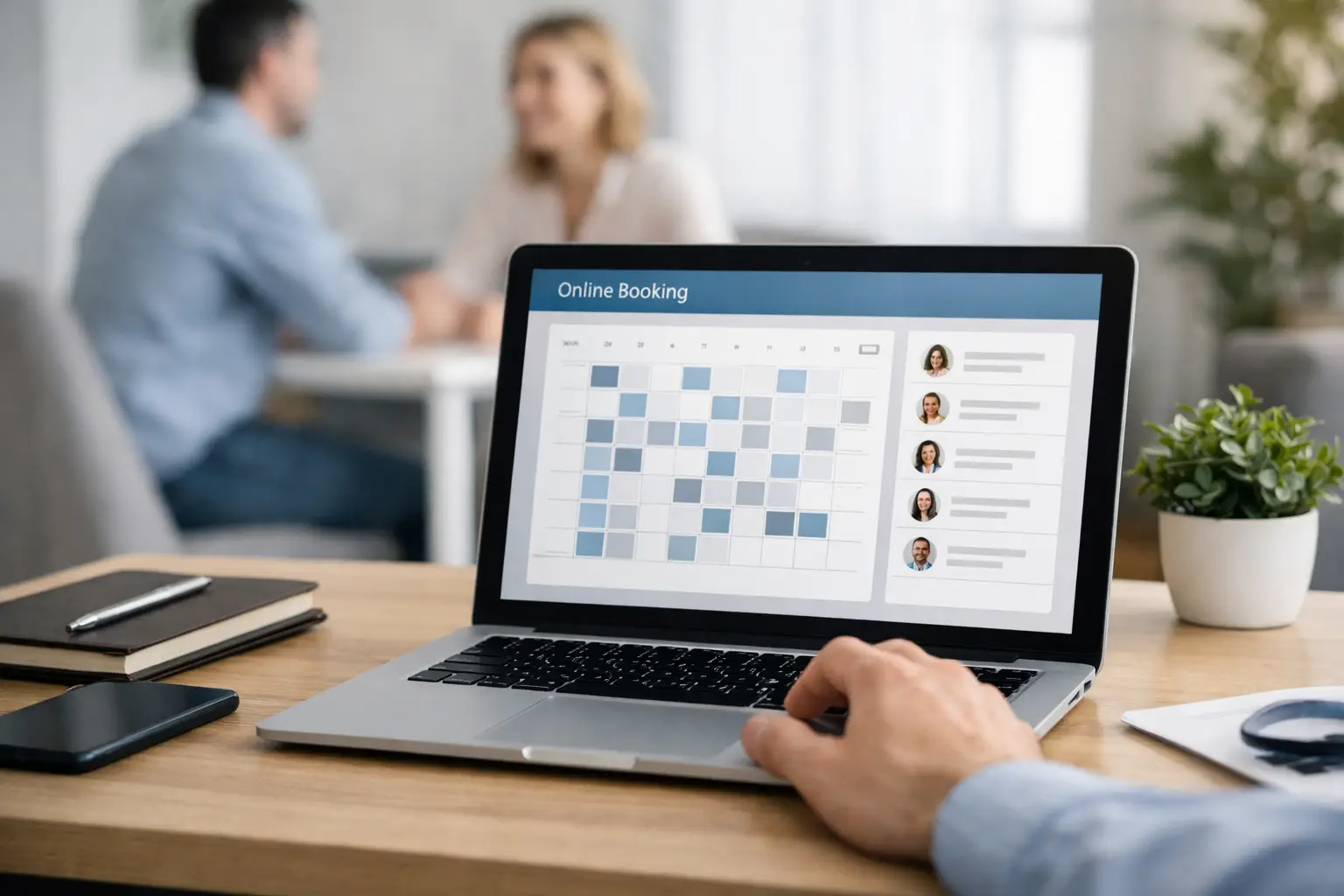
A phone that rings while you are with a customer is not just an interruption. It can be a lost appointment. A website with online booking gives customers a clear way to choose a service, see available times, and confirm their visit without waiting for a callback. For many local businesses, that means fewer scheduling gaps and less time spent managing calendars.
The value is not simply adding a calendar to your site. An effective booking system needs to match how your business actually operates: your services, staff availability, appointment lengths, cancellation rules, travel time, and payment process. When those details are handled well, online booking becomes a practical part of your day-to-day operations rather than another system to babysit.
Does Your Business Need a Website With Online Booking?
Online booking works best when customers regularly need to reserve a specific time. That includes salons, spas, fitness professionals, clinics, consultants, pet groomers, repair services, photographers, and home-service businesses. It can also be useful for professional practices that offer initial consultations, local retailers running workshops, and organizations scheduling appointments or events.
The question is not whether every customer will book online. Many people still prefer to call, especially for a complicated request. The better goal is to give customers a choice. A well-planned site keeps your phone number visible while allowing people who are ready to book to do so at any hour.
For a Nanaimo trades business, that may mean offering short site-visit request windows rather than promising an exact arrival time. For a personal service provider, it may mean showing real-time openings and collecting a deposit before confirmation. The booking experience should reflect the level of certainty your work allows.
Start With the Customer’s Booking Decision
Before choosing software, map out what a customer needs to know before committing. If someone cannot tell what they are booking, how long it takes, what it costs, or what happens next, they may leave the page and call another business.
Each bookable service should have a plain-language name and a brief description. Include the standard duration, starting price or fixed price where appropriate, and any preparation customers need to complete. A massage appointment, for example, is simple to define. A kitchen renovation consultation is not. In that case, the booking form may need questions about location, project type, budget range, and preferred contact method.
Avoid turning the first booking screen into a long intake form. Ask only for information that helps you schedule and prepare. You can collect additional details later, once the customer has a confirmed time. Every extra field creates a small amount of friction, particularly on a phone.
Make availability honest
The fastest way to create frustration is to offer appointment slots you cannot honor. Your calendar needs to account for lunch breaks, travel, setup and cleanup time, vacations, staff schedules, and lead time for new bookings. If you need 24 hours to prepare for a service call, the system should not let someone book for the next morning.
For businesses with several staff members, appointments should route to the right person based on service, location, or qualification. A general calendar may look simpler at first, but it can create conflicts if only one team member performs a specialized service.
Set rules before customers need them
Clear booking policies protect both sides. State how far in advance people can book, whether a deposit is required, how rescheduling works, and when cancellation fees apply. Keep the language firm but reasonable. Customers are far more likely to accept a policy when they see it before completing the booking.
Automated confirmation and reminder messages also reduce no-shows. A confirmation should include the date, time, service, location or video-meeting instructions, and a simple way to reschedule if your policy allows it. A reminder sent at the right time is helpful. Too many messages can feel excessive.
Choosing the Right Booking Setup
There is no single best booking platform for every business. The right choice depends on the complexity of your services and the systems you already use. A simple consultant may only need a calendar connected to email. A multi-staff salon may need service menus, staff assignments, deposits, automated reminders, and point-of-sale connections.
The most important consideration is integration. Your online booking tool should work reliably with the calendar your team checks every day. If it has a separate schedule that no one monitors, double bookings and missed appointments become much more likely.
Payment is another decision. Requiring a card or deposit can reduce no-shows and protect revenue for high-demand appointments. On the other hand, it may discourage a customer who only wants a no-obligation consultation. Consider the value of the time being reserved, your cancellation history, and what is normal in your industry.
A booking system should also fit your website instead of sending visitors through a confusing series of third-party pages. It is reasonable for secure payment processing or confirmations to happen through an outside service. But your branding, service details, and booking call to action should remain consistent from the first page through the final confirmation.
Where Booking Belongs on Your Website
A booking button hidden in the footer will not do much for your schedule. Put a clear call to action near the top of the homepage and on every relevant service page. Use direct wording such as “Book an Appointment,” “Request a Consultation,” or “Choose a Time.” The right language depends on whether the appointment is instantly confirmed or requires your approval.
Your Google Business Profile, social media posts, and email signature may bring people to the booking page, but the site still needs to build confidence first. Customers often check your service pages, reviews, team information, pricing guidance, and contact details before booking. A polished, mobile-responsive site supports the decision that the booking tool makes easy.
Mobile usability matters especially here. Most local customers will encounter your site on a phone between errands, during a break, or after business hours. Buttons need to be easy to tap, forms need to be short, and the calendar must work without awkward zooming or horizontal scrolling. A booking feature that looks good only on a desktop can quietly cost you leads.
Protect the Booking Experience Behind the Scenes
Booking software handles customer information and can become a critical part of your operations. That makes regular website maintenance more than a technical detail. Outdated WordPress files, plugins, themes, or booking integrations can cause calendar errors, broken forms, slow pages, and security risks.
We recommend treating your booking system like any other business tool. Test the full process regularly: choose a service, select a time, submit the form, check the confirmation, and make sure the appointment appears in the correct calendar. Testing is particularly useful after plugin updates, payment changes, seasonal schedule adjustments, or a website redesign.
Backups and compatibility checks matter too. If an update creates a conflict, you need a current backup and someone who can identify the issue before customers start seeing errors. The practical objective is simple: people should be able to book when they are ready, and your team should trust the information they receive.
Measure More Than the Number of Bookings
A booking tool can show how many appointments were made, but that is only one part of its business value. Look at where customers abandon the process, which services receive the most bookings, how many appointments are rescheduled, and whether reminders reduce no-shows. These patterns can help you adjust availability, service descriptions, pricing, or staffing.
It also helps to compare online bookings with phone inquiries. If people repeatedly call with the same question before booking, your website may need clearer pricing, service details, or policies. If customers book the wrong service, simplify the choices or add better guidance at the decision point.
For local businesses, the strongest setup is usually not the one with the most features. It is the one your customers can understand quickly and your staff can manage confidently. At Coastal Webmasters, we help businesses build booking-focused websites that look professional, work on every device, and remain dependable after launch. A few thoughtful decisions at the start can turn a busy phone line into a better customer experience and a more predictable schedule.