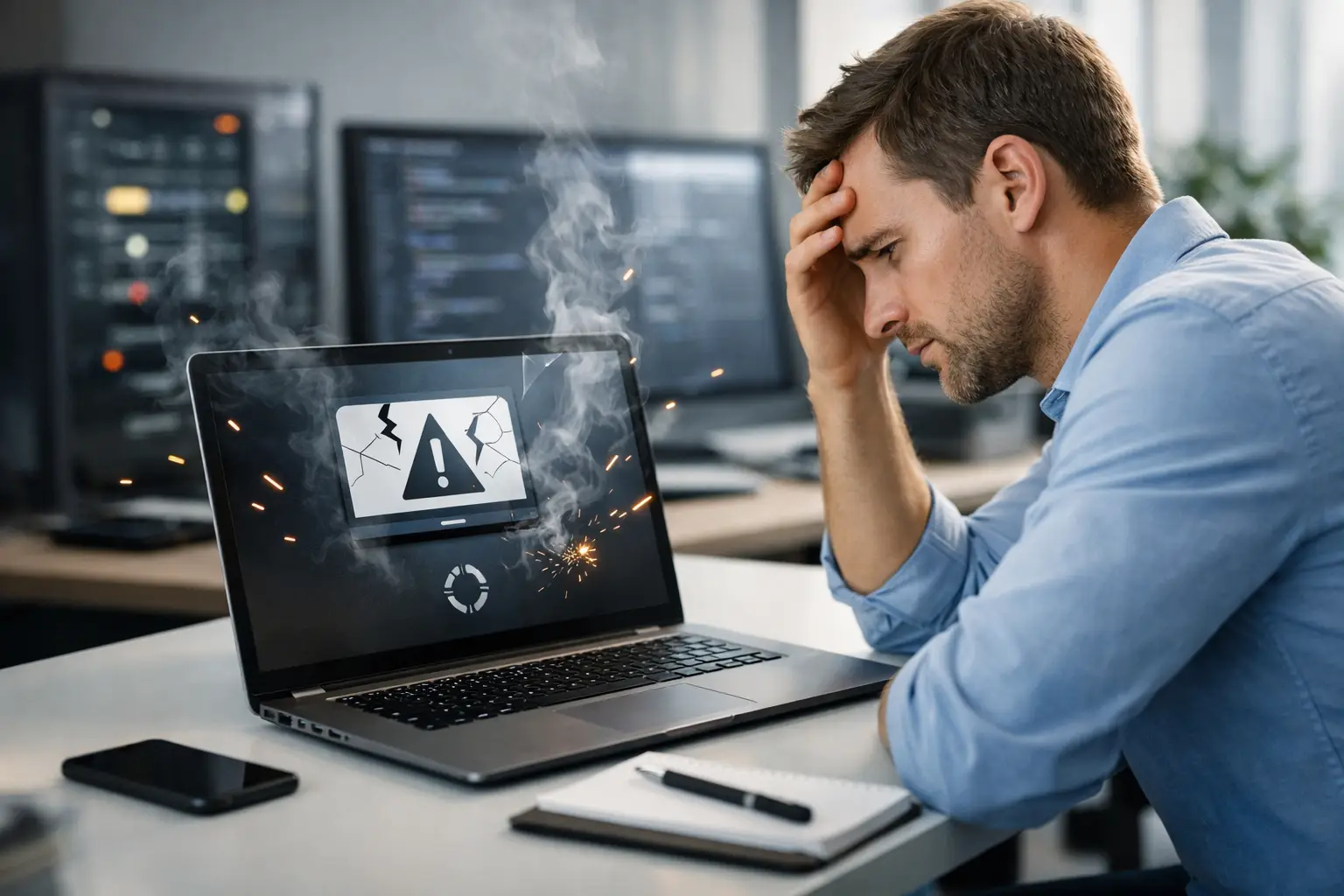
A customer finds your business on Google, taps your website from their phone, and gets an error page instead of your hours, services, or online store. If you have asked, “why does my website crash,” that moment is the real concern. Downtime can cost inquiries, sales, trust, and the confidence that your website is doing its job while you run the business.
A website crash does not always mean the entire site has disappeared. It may show up as a blank screen, a critical error message, an endless loading wheel, missing product pages, a security warning, or a site that works for you but not for customers. The cause can range from a simple plugin conflict to a hosting issue that needs immediate attention.
Why Does My Website Crash? Start With the Type of Failure
Before trying random fixes, identify what visitors are actually seeing. A site that is slow is different from a site that returns a 500 server error. A page that fails only after submitting a contact form points to a different problem than a website that is unavailable everywhere.
Test the site on a mobile phone using cellular data, then test it from another browser or device. This helps rule out a local browser cache, Wi-Fi connection, or temporary issue on your own computer. Ask a staff member or trusted customer in another location to try it as well.
If the website is down for everyone, check whether your hosting account, domain name, and email are affected. When email and the website fail at the same time, the issue may involve your domain settings or hosting service rather than the website itself. The fastest path to a repair depends on knowing which system has failed.
The Most Common Reasons a Website Goes Down
Hosting resources are stretched too thin
Every website uses server resources such as memory, processing power, and bandwidth. A basic hosting plan may work well for a small brochure site, then struggle when traffic increases, an online promotion brings in visitors, or a large store catalog puts more demand on the server.
This can also happen when automated bots repeatedly hit the site, whether they are harmless crawlers or malicious traffic. Your site may become slow first, then time out completely. Moving to a better hosting environment can help, but it is not always the answer. A poorly optimized website can overwhelm even a reasonable hosting plan.
A plugin or theme update creates a conflict
WordPress is flexible because it allows themes and plugins to add features quickly. That flexibility has a trade-off: one update can conflict with another plugin, your active theme, or the version of WordPress running on the site.
For example, an e-commerce plugin update may affect checkout pages, a page builder update may break a layout, or an old contact form plugin may stop working after a PHP update on the server. Clicking “update all” without a current backup and a testing process is one of the most common ways a working website suddenly develops errors.
Updates are still necessary for security and performance. The goal is not to avoid them. The goal is to apply them carefully, confirm compatibility, and have a reliable restore point if something goes wrong.
Your website has been hacked or infected
Outdated WordPress files, themes, and plugins can create openings for attackers. A hacked website may redirect visitors to suspicious pages, display spam content, use server resources in the background, or be flagged by browsers and search engines as unsafe.
Not every crash is caused by malware, but security problems can look like ordinary technical trouble at first. If you see unfamiliar administrator accounts, unexpected files, strange links, or sharp changes in traffic, treat the situation seriously. Cleaning up the visible issue without finding the entry point can leave the site vulnerable to another attack.
The domain or DNS settings are wrong
Your domain name is the address customers use to find you. DNS settings tell browsers where that address should point. If a domain expires, nameservers are changed incorrectly, or DNS records are edited during an email or hosting change, your website can become unreachable even though its files are still intact.
DNS changes can also take time to update across the internet. That can make a website appear to work in one place and fail in another. Domain renewals and DNS records are easy to overlook because they do not need daily attention, but they are essential to keeping your business online.
A code, database, or file error breaks the site
Custom code changes, a failed file upload, a corrupted database table, or a full storage account can all cause a crash. These problems may occur after adding a new feature, importing products, changing a form, or restoring an incomplete backup.
Database issues are especially common on sites with frequent orders, bookings, memberships, or form submissions. The database stores the information that makes these functions work. If it is overloaded, corrupted, or unable to connect to the server, visitors may see errors even though the site design itself appears normal.
What to Do When Your Website Crashes
The first priority is to avoid making the problem worse. Do not delete plugins, reinstall WordPress, or change domain settings unless you understand what caused the failure. Quick fixes can overwrite useful evidence or remove the last working version of a file.
Take a screenshot of the error, write down when it started, and note what changed shortly beforehand. Did someone update a plugin, change a password, add products, alter DNS records, or receive an alert from the hosting company? That timeline can save a technician significant troubleshooting time.
Next, confirm whether a recent backup exists and when it was created. A backup from six months ago may be better than nothing, but restoring it could remove new orders, content, or customer requests. In some cases, repairing the current site is safer than restoring an older copy. It depends on the type of failure and the value of the data created since the backup.
If you have access to hosting support, provide the exact error message and ask whether there are server resource limits, recent outages, malware warnings, or error logs connected to your account. Clear information gets better answers than simply reporting that the website is broken.
Preventing Website Downtime Before It Costs You Business
A dependable website is maintained, not merely launched. Regular WordPress core, plugin, and theme updates reduce security risks, while monitored backups provide options when an update or server issue causes trouble. The backup should be stored separately from the live website and tested occasionally to make sure it can actually be restored.
Performance monitoring also matters. A site that has become gradually slower may be warning you about oversized images, outdated software, too many plugins, database clutter, or inadequate hosting resources. Addressing those issues early is usually less expensive and less stressful than responding to a complete outage.
For online stores and lead-generation websites, check critical functions regularly. Submit a test contact form, review checkout behavior, confirm confirmation emails arrive, and test the site on mobile devices. These simple checks catch failures that may not be obvious from the homepage alone.
Security should be treated as ongoing protection rather than a one-time installation. Strong administrator passwords, limited user access, security scanning, spam protection, and timely updates all reduce the chance that a preventable issue will take your site offline.
When It Is Time to Bring in Website Support
If the website is showing security warnings, losing orders, displaying server errors, or repeatedly crashing after updates, professional help is usually the practical choice. The right fix may involve hosting configuration, WordPress recovery, database repair, malware cleanup, or compatibility testing. Guesswork can turn a short disruption into a larger rebuild.
For businesses in Nanaimo and across Vancouver Island, Coastal Webmasters provides hands-on WordPress maintenance and support designed to keep the technical side of your website from becoming another job on your desk. A well-maintained site gives customers a reliable place to contact you, learn about your services, and buy from you when they are ready.
Your website does not need to be complicated to be dependable. With current backups, careful updates, active monitoring, and someone accountable for the technical details, a crash becomes a manageable interruption instead of a missed-business emergency.