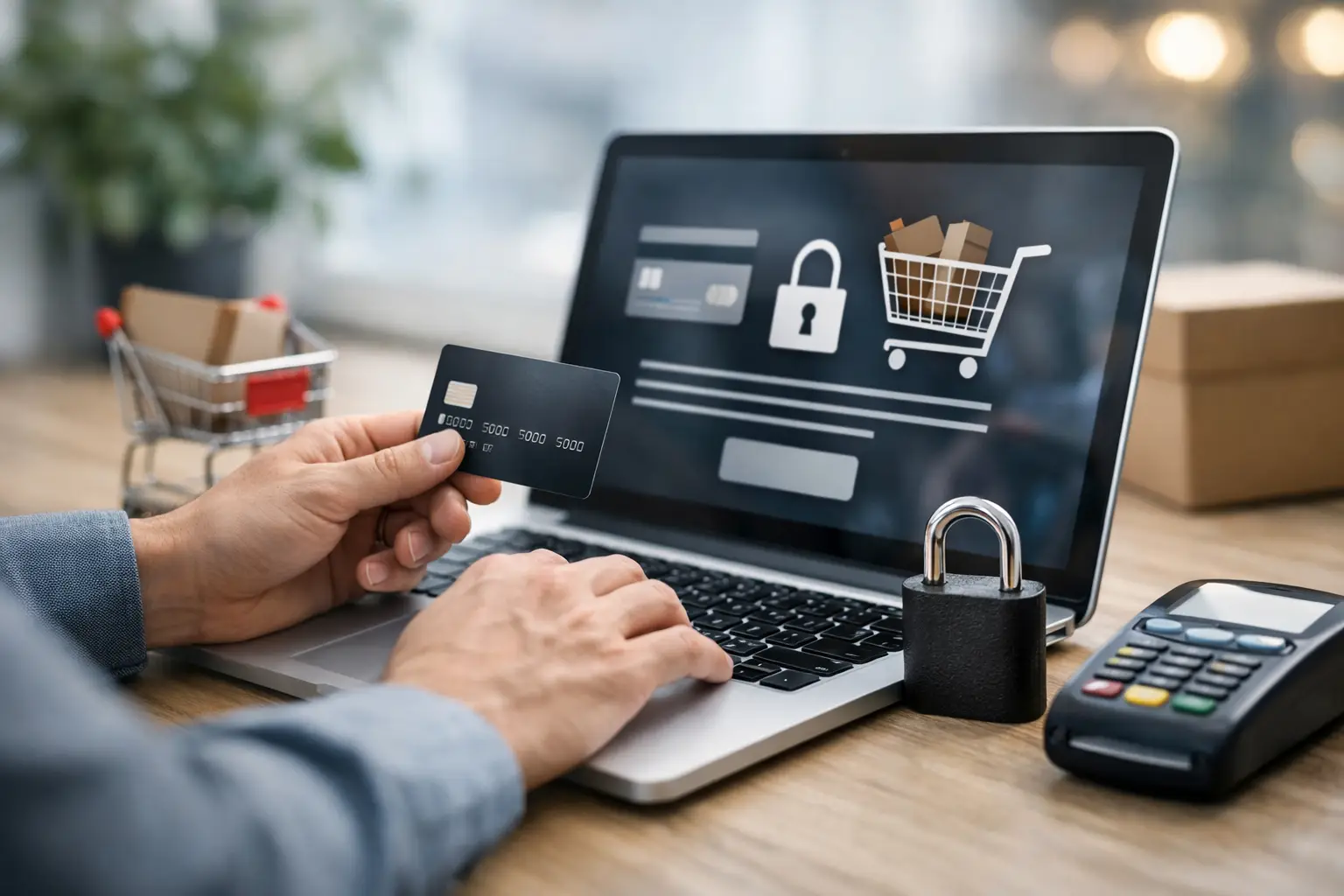
A checkout page is where a customer stops browsing and decides whether to trust your business with their money. If the page feels outdated, redirects unexpectedly, or asks for more information than it should, many shoppers will leave. Knowing how to secure ecommerce checkout means protecting payment data without adding friction that costs your business legitimate sales.
For a small business, checkout security is not just an IT concern. It protects your reputation, reduces chargebacks, supports customer confidence, and helps keep your online store available when customers are ready to buy. The goal is a checkout that feels simple to the shopper and is carefully managed behind the scenes.
Start With a Trusted Payment Setup
The safest approach is usually to avoid storing raw card details on your own website at all. Instead, use an established payment processor that handles card data through a secure, compliant payment form, hosted payment page, or tokenized integration. The processor confirms the transaction while your store receives only the information needed to complete the order.
This matters because payment card security has strict technical requirements. A small retailer, restaurant, service company, or product business should not need to build a custom system for handling card numbers. Using a reputable processor reduces exposure and gives customers familiar payment options they recognize.
Choose a payment solution that supports current security controls such as tokenization, address verification, card security code checks, and 3D Secure authentication where appropriate. These features can help identify suspicious transactions before they become costly disputes.
There is a balance to consider. Requiring too many verification steps on every purchase can frustrate returning customers, especially on mobile. A good setup applies extra checks based on risk rather than treating every order as suspicious.
Protect the Checkout Page Itself
A secure processor cannot fully protect a checkout page if the website hosting it has been compromised. Attackers often target outdated ecommerce sites to insert malicious scripts that copy customer information as it is entered. This is one reason ongoing website maintenance matters just as much as the original store build.
Your entire site should run over HTTPS, not only the final payment screen. When visitors see the browser security indicator and remain on a consistent domain throughout the purchase, they have more reason to trust the process. HTTPS also encrypts information moving between the customer’s browser and your site.
For WordPress and WooCommerce stores, keep WordPress core, themes, plugins, and ecommerce extensions current. Updates often include security fixes, but updates should be tested and managed carefully. Installing an update blindly can create plugin conflicts or interrupt checkout functionality. Before changes are made, create a verified backup and confirm that the cart, payment method, order emails, and mobile checkout still work afterward.
Limit who can access the website dashboard. Every administrator account is a potential entry point, so staff should receive only the access level they need. Remove former staff accounts promptly, require strong unique passwords, and enable multi-factor authentication for administrators whenever possible.
How to Secure Ecommerce Checkout From Fraud
Checkout security has two sides: preventing data theft and reducing fraudulent orders. Fraudsters may use stolen card details, automated bots, fake customer accounts, or manipulated discount codes. A store can be technically secure and still lose money if it accepts high-risk orders without review.
Start by configuring your payment processor’s fraud settings. Many processors provide risk scoring based on signals such as device behavior, billing and shipping address mismatches, repeated payment attempts, unusually large orders, and known suspicious activity. These tools are useful, but they should be tuned to your normal business patterns.
For example, a local Vancouver Island retailer may receive mostly Canadian orders with occasional higher-value purchases from elsewhere. Automatically blocking every order outside your usual region may cut down fraud, but it can also block genuine customers, seasonal visitors, or people sending gifts. A better approach may be to flag unusual orders for review rather than reject them outright.
Watch for common warning signs, including multiple failed payment attempts, a rush request paired with an unusual shipping address, a large order of easily resold items, or several orders using similar email addresses and different cards. No single signal proves fraud. Looking at the full order context is more reliable.
Avoid manually collecting credit card details by email, text message, or phone unless you have a properly compliant process in place. These channels are difficult to secure and can create unnecessary risk for both the customer and your business.
Keep Customer Data to a Minimum
Every piece of customer information you collect becomes something you need to protect. Ask for what is necessary to process and deliver the order, not everything you might like to know for future marketing.
A physical product shipment generally requires a name, shipping address, contact method, and payment confirmation. A digital product or appointment may require much less. Reducing unnecessary fields can improve conversion rates while limiting the amount of personal data stored in your system.
Your order database, customer accounts, email notifications, and backup files all need attention. Order emails should not include full payment information. Backups should be encrypted where possible and stored in a controlled location. If you retain customer records for accounting or customer service, establish a sensible retention process instead of keeping every record indefinitely.
It also helps to clearly explain what information you collect and how customers can contact you with privacy questions. Clear policies will not fix a weak checkout, but they show shoppers that your business takes their information seriously.
Test the Full Customer Experience Regularly
Security problems are often found at the worst possible time: after a plugin update, a payment gateway change, a theme redesign, or a hosting migration. Regular testing catches issues before a customer reports that they cannot pay.
Place test orders using each available payment method. Check the process on a phone as well as a desktop computer, because a checkout that works in the office can fail on a smaller screen. Confirm that taxes, shipping rates, coupon codes, payment authorization, order confirmation pages, and customer emails behave as expected.
Review your site’s error logs and payment processor alerts, too. A sudden increase in failed payments may point to card testing by bots, a broken gateway connection, or a checkout form conflict. Fast detection lets you address the cause before it affects a larger number of customers.
A web application firewall, malware monitoring, rate limiting, and bot protection can provide another layer of defense. These tools are valuable, but they are not a substitute for updates, strong access controls, and dependable backups. Security works best as a routine, not as a one-time plugin installation.
Create a Response Plan Before You Need One
Even well-maintained websites can face a security incident. What matters is whether you can respond quickly and responsibly. Keep a current list of the people who manage your website, hosting, payment processing, and business communications. Make sure backups can actually be restored, not merely created.
If you suspect a checkout compromise, act promptly. Pause affected payment functions if necessary, preserve evidence, contact your hosting and payment providers, change credentials, and have the site reviewed for malicious code. Depending on what occurred, you may also need to notify affected customers or follow privacy and payment-provider reporting requirements.
A calm, documented response is far better than guessing under pressure. It also reinforces why a maintained ecommerce site is a business asset, not something to launch and forget.
Your customers should be able to focus on choosing a product, booking a service, or supporting a local business – not wondering whether their payment information is safe. When checkout security is built into your store’s day-to-day management, trust becomes part of the buying experience. If your WooCommerce or WordPress store needs a practical security review, Coastal Webmasters can help you identify risks, keep the technical work current, and protect the sales your website is built to earn.